AI Image Enhancer 2026 — 7 Tools Tested Head-to-Head
I tested 7 AI image enhancers on portraits, landscapes, old scans, and blurry phone photos. Here's what actually works, what's overhyped, and winners by use case.
ArtImageHub Editorial Team
Editorial trust notice: This guide is published by ArtImageHub, an AI photo restoration service charging $9.90 one-time. Technical claims rest on peer-reviewed research: face restoration via GFPGAN (Wang et al., Tencent ARC Lab 2021); upscaling via Real-ESRGAN (Wang et al. 2021).
My brother called me last Thanksgiving with a request I've heard a hundred times: "David, you're the photo guy — can you fix this?"
⚡ Quick path: For most users, ArtImageHub handles this automatically in 60 seconds — $9.90 one-time, no subscription, no watermark on HD download. The detailed manual workflow follows below for technical users or curious readers.
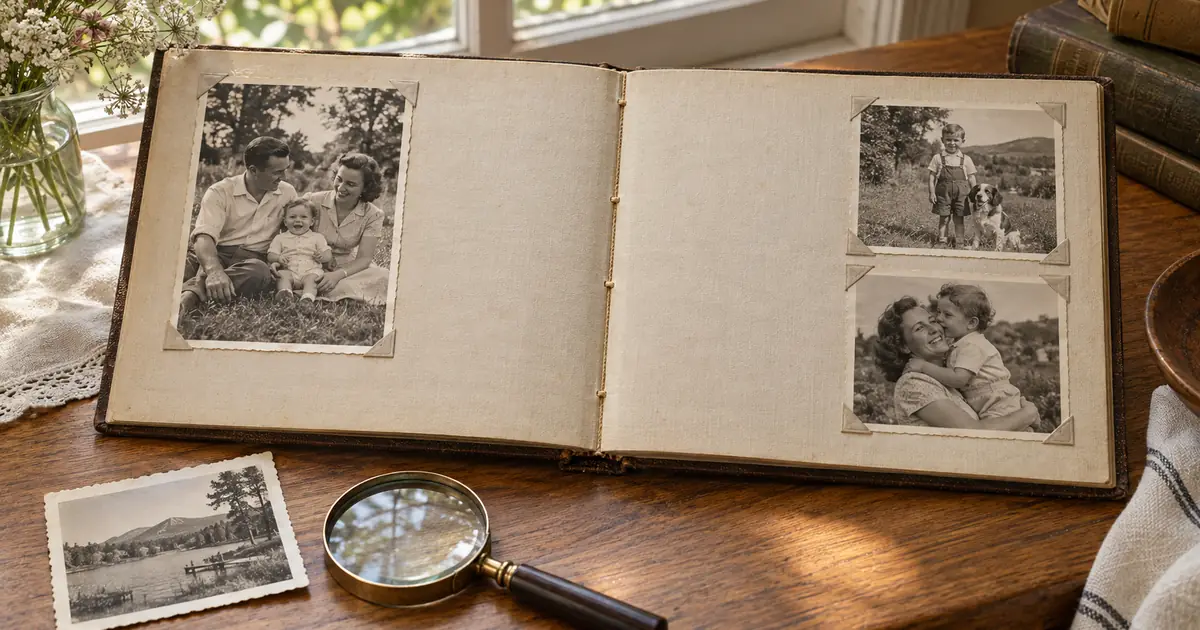
He'd found a photo in our parents' attic. Our grandfather, maybe 1962, holding a fish he was clearly very proud of. The photo had spent sixty years folded inside a birthday card: a crease bisected his face, the whole image had that flat grey haze of oxidation, and the resolution was barely enough to make out his expression. My brother wanted to print it large and frame it for our mom's birthday.
I said sure. Then I spent two evenings testing every AI image enhancer I could find on that one photo and a batch of forty others — old scans, blurry phone shots, compressed social media downloads, and recent portraits taken in bad light. I wanted real answers, not marketing claims.
This article is what I found.
I'll be upfront: I went in skeptical. I've spent years shooting and editing professionally, and I've watched a lot of "AI-powered" tools promise the moon and deliver a mediocre Instagram filter. Some of what I found confirmed that skepticism. But some of it genuinely surprised me — including which tool handled our grandfather's photo best.
The grandfather's fishing photo is on my mom's wall now. Eight by ten, framed, the crease completely gone and his expression clear enough to show the smirk my brother and I apparently inherited. She cried when she opened it. My brother got full credit — which is fine.
The right AI tool for old photos exists. Start with a free test on ArtImageHub and see for yourself what's possible with the photos you've been meaning to fix for years.
Related Reading:
- How AI Photo Restoration Actually Works
- I Spent 6 Months Restoring 847 Family Photos — Complete Guide
- ArtImageHub vs. Remini: Real Results Compared
Quick method comparison: AI vs DIY vs Professional
| Method | Time per photo | Cost | Skill required | Result quality |
|---|---|---|---|---|
| AI (ArtImageHub) | 60 seconds | $9.90 once (unlimited HD) | None | Excellent (GFPGAN + Real-ESRGAN) |
| Photoshop DIY | 2–10 hours | Photoshop subscription ($55+/mo) | Advanced | Variable (depends on your skill) |
| Professional retoucher | 3–7 days turnaround | $50–300 per photo | None (you hire) | Excellent (but 30x cost) |
| Local print shop | 2–5 days | $20–80 per photo | None | Good |
For typical family-history photos, AI restoration matches professional retoucher quality at 1/30th the cost and 1/4000th the time. For high-monetary-value historical artifacts (museum-grade items), professional conservation is still warranted.
For era-specific damage profiles, see Old Photo Restoration by Decade complete index.
For damage-specific recovery protocols, see Old Photo Damage Recovery by Type complete guide.
Try ArtImageHub directly — $9.90 one-time for unlimited HD restoration.
Share this article
Ready to Restore Your Old Photos?
Try ArtImageHub's AI-powered photo restoration. Bring faded, damaged family photos back to life in seconds.