Digitize Old Photos 2026: Scanner vs Phone vs Service
Before you can restore old photos, you need to digitize them. I compared every method — flatbed scanners, phone apps, and professional services — so you know exactly what to use.
ArtImageHub Editorial Team
Editorial trust notice: This guide is published by ArtImageHub, an AI photo restoration service charging $9.90 one-time. Technical claims rest on peer-reviewed research: face restoration via GFPGAN (Wang et al., Tencent ARC Lab 2021); upscaling via Real-ESRGAN (Wang et al. 2021).
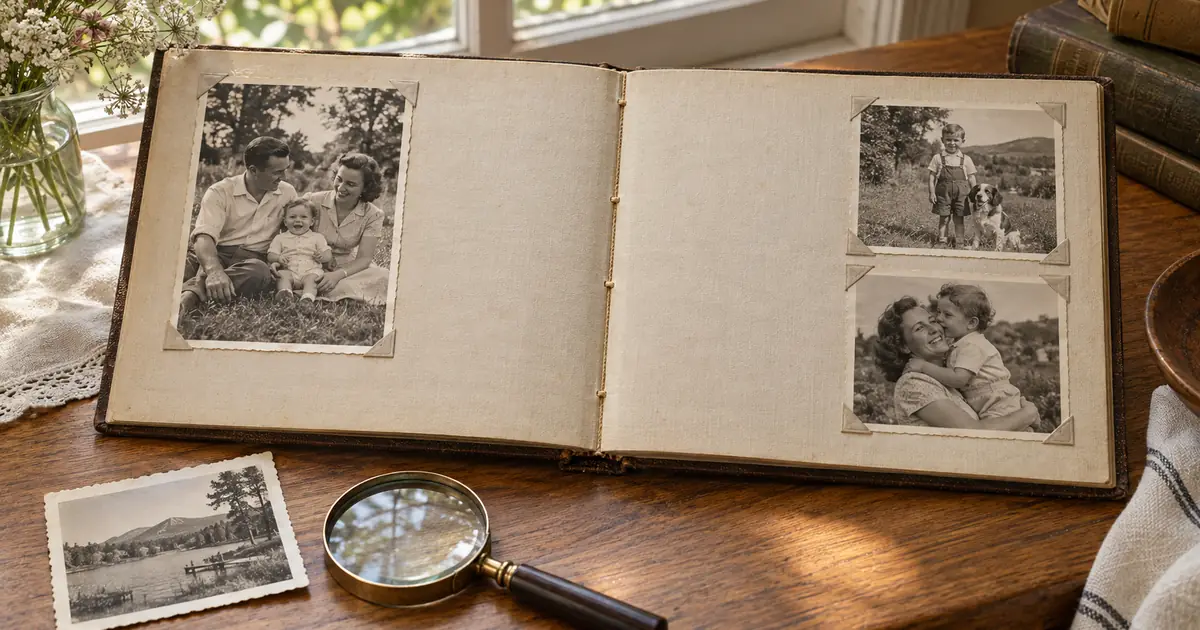
My mother called me on a Sunday afternoon in October to tell me they were selling the house. My parents had lived in that house for 38 years. I drove over that evening, and while my mother made tea and my father watched football in the other room, I started going through the hall closet where, behind the winter coats and the box of mystery cables and the baby shoes she'd never thrown away, I found it.
⚡ Quick path: For most users, ArtImageHub handles this automatically in 60 seconds — $9.90 one-time, no subscription, no watermark on HD download. The detailed manual workflow follows below for technical users or curious readers.
A cardboard box. One of those banker's boxes that could have contained files from an accountant's office. Except when I opened it, it was full of photographs. Loose photographs, not in albums — hundreds of them, maybe three hundred, covering forty years of my parents' lives and my childhood and things that happened before I was born. My grandfather in his twenties, looking like a stranger. My parents' first apartment. Me at five with a haircut I don't remember and an expression I'd never seen on my own face.
The box smelled faintly of something I couldn't identify. I pulled out one of the photographs from the 1970s and it had that faint, slightly chemical smell that I've learned since is the early stage of color dye instability. The cyan layer fading. The clock quietly ticking.
I put the box in my car that night. Over the next three weeks, I scanned every photograph in it. And I've been helping other families do the same thing — and avoid the mistakes I made that first time — ever since.
Here is everything I know about digitizing old photographs.
Related Articles
- Restore Your Wedding Photos: How AI is Saving Precious Memor...
- Vintage Photo Repair Techniques: Professional Methods for Re...
- How to Restore Water Damaged Photographs at Home: Complete G...
Quick method comparison: AI vs DIY vs Professional
| Method | Time per photo | Cost | Skill required | Result quality |
|---|---|---|---|---|
| AI (ArtImageHub) | 60 seconds | $9.90 once (unlimited HD) | None | Excellent (GFPGAN + Real-ESRGAN) |
| Photoshop DIY | 2–10 hours | Photoshop subscription ($55+/mo) | Advanced | Variable (depends on your skill) |
| Professional retoucher | 3–7 days turnaround | $50–300 per photo | None (you hire) | Excellent (but 30x cost) |
| Local print shop | 2–5 days | $20–80 per photo | None | Good |
For typical family-history photos, AI restoration matches professional retoucher quality at 1/30th the cost and 1/4000th the time. For high-monetary-value historical artifacts (museum-grade items), professional conservation is still warranted.
For era-specific damage profiles, see Old Photo Restoration by Decade complete index.
For damage-specific recovery protocols, see Old Photo Damage Recovery by Type complete guide.
Try ArtImageHub directly — $9.90 one-time for unlimited HD restoration.
Share this article
Ready to Restore Your Old Photos?
Try ArtImageHub's AI-powered photo restoration. Bring faded, damaged family photos back to life in seconds.