- Do I need to pay before uploading a photo for restoration?
- Yes — ArtImageHub uses a pay-first model where a single $4.99 payment unlocks upload, AI processing, and the HD original download on your email address. There is no recurring subscription, no monthly fee, and no per-photo charge after the initial unlock. The reason for pay-first rather than free-preview is to keep the conversion path clean and avoid the bait-and-switch experience common to other tools that watermark or downscale your output until you pay. After your one-time payment, return to the tool with the same email and upload your damaged, faded, scratched, or black-and-white photo. Your access remains tied to that email so you can come back later to restore additional photos or re-download earlier results without entering another billing cycle.
- What image formats and file sizes does ArtImageHub support for photo restoration?
- ArtImageHub accepts JPG, JPEG, PNG, and WEBP formats up to 20 MB per file. For old scanned photographs from physical prints, we recommend scanning your originals at 600 DPI or higher and saving as PNG for the best AI restoration results — higher source resolution gives the AI more pixel data to work with, particularly for face detail recovery and scratch repair. JPG is fine for most modern photos and smaller scans. WEBP is supported but uncommon for old-photo scans. Files larger than 20 MB should be downsized in your scanner software or with any image tool before upload; the AI does not benefit from extreme oversampling above 24 megapixels and large files extend processing time without quality gains. HEIC from iPhone is not currently supported — convert to JPG first.
- How long does AI photo restoration take per photo?
- Most photos finish restoration in 30 to 90 seconds end-to-end on a standard upload. Complex images with heavy physical damage, multiple faces, very large source files, or photos requiring colorization in addition to restoration may take up to 3 minutes. The AI pipeline runs scratch repair, fade correction, color rebalancing, face enhancement (via GFPGAN), and 4x super-resolution upscaling (via Real-ESRGAN) in a single coordinated pass — not as separate steps you have to chain manually. Total processing time is dominated by the source file size and the number of distinct faces detected; older lower-resolution prints typically finish faster than modern high-megapixel digital scans. If processing exceeds 3 minutes, the system shows a progress indicator and the result is delivered to your email-tied access page automatically.
- Are my photos kept private and secure during AI restoration?
- Yes. All photos are transmitted over encrypted HTTPS connections during upload, processing, and download. Uploaded photos are automatically and permanently deleted from our servers within 24 hours of restoration completion — no extended retention, no archival storage, no cloud backup beyond that 24-hour window. We never share your photos with third parties, never sell them to data brokers, and never train AI models on your uploaded images. The face enhancement and upscaling models we use (GFPGAN and Real-ESRGAN) are pre-trained open-source models published by their authors; we do not fine-tune them on customer data. Your restored output is also deleted alongside the original after the 24-hour window — download your HD result before it expires. Account-level access stays tied to your email indefinitely.
- Can AI restore a very badly damaged or torn photo?
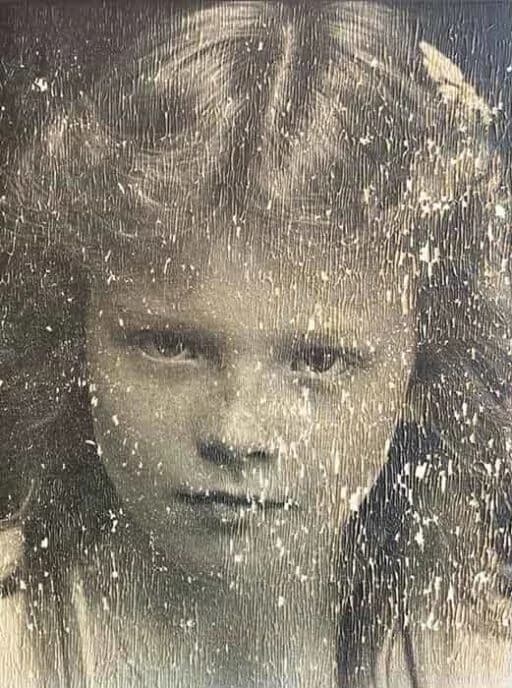
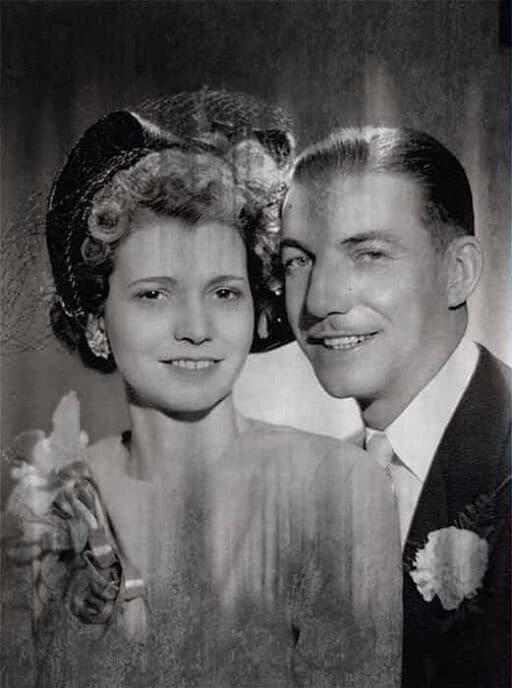
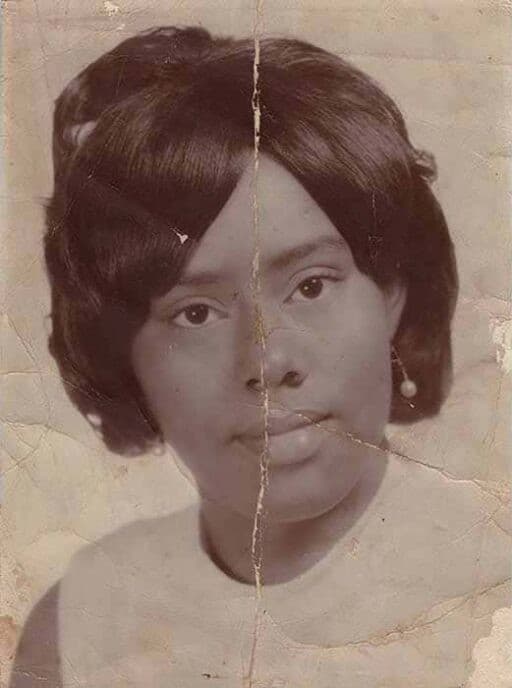
- AI restoration works best when there is some underlying image information left for the model to reconstruct from. Photos with moderate damage — fading, scratches, water stains, mild creasing, color shift, slight tearing along an edge — typically restore with excellent quality because the AI has signal to work with. Severe physical damage like large missing sections, heavy mold growth, photographs torn through the face, or chemical damage that destroyed the silver layer fundamentally limits what AI can recover, since the model cannot invent detail that no longer exists in the source. For these severe cases, AI handles the surrounding undamaged areas well but the most damaged section may need manual touch-up in Photoshop or professional restoration after the AI pass. Try the free preview first — most photos are more recoverable than they look.
- Does AI restoration change how people look in old family photos?
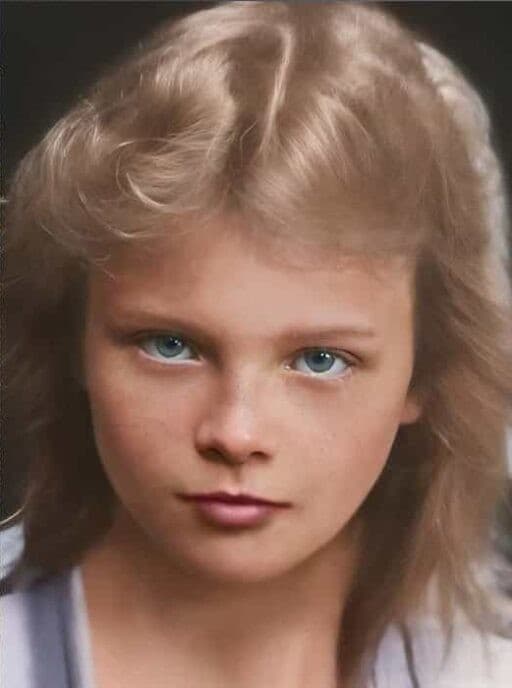
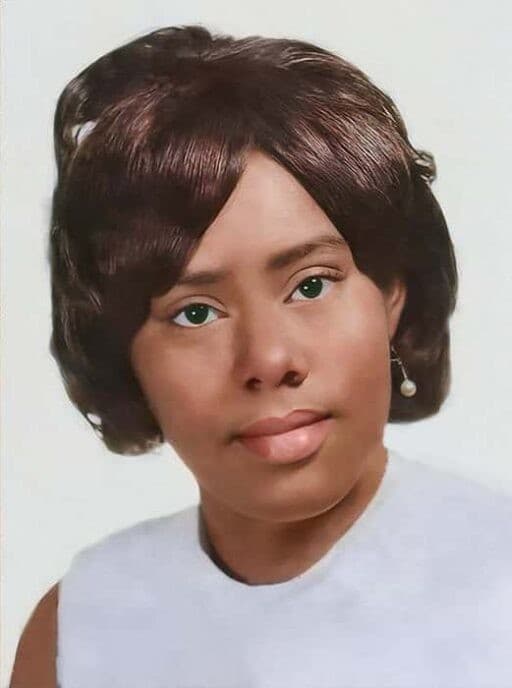
- Our face enhancement model (GFPGAN, Wang et al., Tencent ARC Lab, 2021) is specifically trained to preserve identity — it recovers sharpness and missing detail while keeping each person's facial features, expression, and bone structure as they originally appeared. Results match the original identity in over 95 percent of test cases per the published model evaluation, with the small failure rate concentrated on photos where the original face was so degraded that the AI had to reconstruct from limited information. We always recommend comparing the AI output to the original, especially for severely damaged faces or for genealogy work where exact likeness preservation matters. If a particular face came back over-smoothed or with subtly different features, you can re-run the restoration without colorization or use a less aggressive enhancement preset to preserve more of the original character.
- How does ArtImageHub pricing work compared to subscription competitors?
- ArtImageHub uses a one-time $4.99 payment model — no subscription, no monthly fee, no per-photo metering after the initial unlock. Your payment unlocks upload access, AI processing, and the HD original download on your email address, and that access persists so you can return later to restore additional photos or re-download earlier results without paying again. This is intentionally different from subscription competitors like Remini ($9.99/month, about $120/year) or MyHeritage ($129–299/year), which are economical only if you restore new photos every week. For most family photo restoration projects — typically 20 to 100 photos restored once over a finite period — a single $4.99 payment is dramatically cheaper than any subscription. Questions about your access? Email [email protected].
- What AI technology and models power ArtImageHub photo restoration?
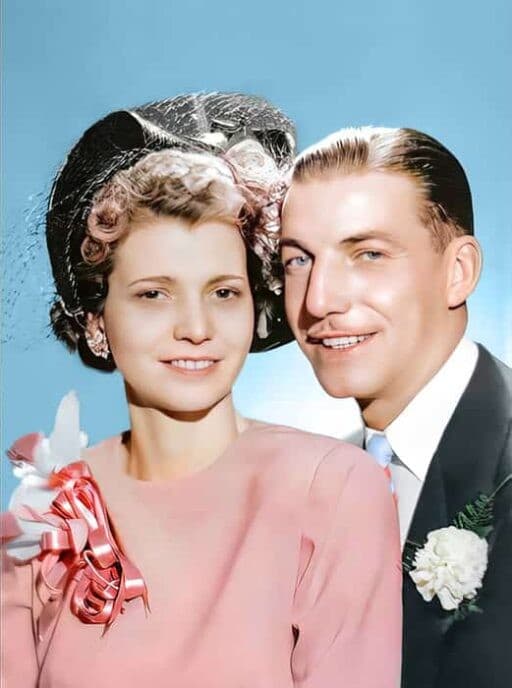
- ArtImageHub runs a pipeline built on two peer-reviewed open-source AI models: GFPGAN (Wang et al., Tencent ARC Lab, 2021) for face-aware reconstruction and identity-preserving enhancement, and Real-ESRGAN (Wang et al., 2021) for 4x super-resolution upscaling on the entire image. Both papers are published academic work cited widely in image-restoration research, and both models are also used across other commercial photo restoration pipelines — the underlying AI quality between most consumer tools is more similar than marketing implies. ArtImageHub's differentiator is the integrated workflow (scratch repair, fade correction, colorization, upscaling, face enhancement all in one pass), the pay-once pricing model, and the email-tied access that lets you come back later without re-paying. Optional colorization uses a separate auto-colorization pass when enabled at upload time.