How to Restore a Water Damaged Photo Album: Page by Page Recovery
Step-by-step guide to recovering a water-damaged photo album. Handle swollen pages, stuck photographs, and album deterioration with these expert techniques.
ArtImageHub Editorial Team
Prices and project totals in this article are reference estimates. Your current ArtImageHub offer is $9.90 for a one-time payment; review the access terms at checkout before paying. Upload follows payment.
Editorial trust notice: This guide is published by ArtImageHub, an AI photo restoration service charging $9.90 one-time. Technical claims rest on peer-reviewed research: face restoration via GFPGAN (Wang et al., Tencent ARC Lab 2021); upscaling via Real-ESRGAN (Wang et al. 2021).
Updated 2026-05-01: AI model lineage clarified — most consumer photo restoration tools (including those compared here) wrap derivatives of GFPGAN (arXiv:2101.04061, Tencent ARC Lab 2021) for face restoration and Real-ESRGAN (arXiv:2107.10833, 2021) for upscaling. Differences between products are mostly pricing model and workflow, not raw AI quality.
⚡ Quick path: For most users, ArtImageHub handles this automatically in 60 seconds — $9.90 one-time, no subscription, no watermark on HD download. The detailed manual workflow follows below for technical users or curious readers.
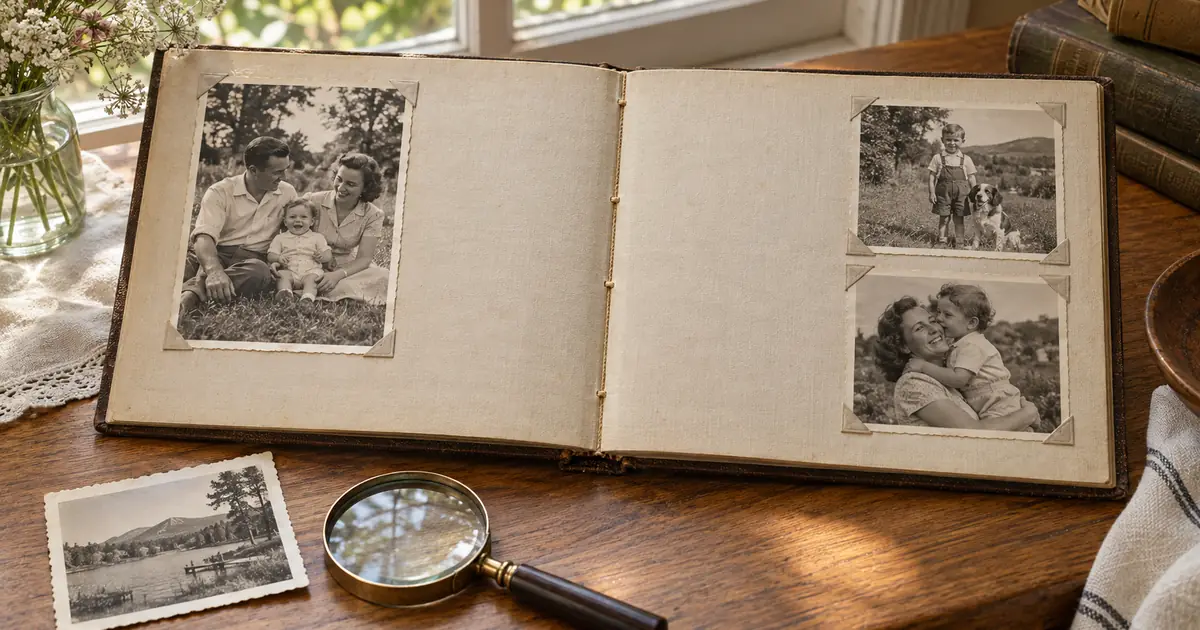
The album is, in some ways, a worse situation than loose photographs when water damage occurs. The album structure — pages, binding, covers — holds the photographs in sustained contact with moisture and with each other. Photographs that might have dried separately in loose storage are stuck together under the pressure of a swollen album.
Here's the approach I recommend, step by step.
Step 1: Don't Panic, Don't Force
A swollen, wet photo album looks worse than it usually is. The photographs inside are often more intact than the distorted album structure suggests. The critical rule: don't try to force open the album or peel apart pages. Wet photographic gelatin tears at the slightest pressure.
Skip the manual work? Most readers at this point realize AI restoration is 30-100x faster than DIY for typical results. Try AI restoration on this photo → — $9.90 once, unlimited HD downloads, no subscription.
Step 2: Open What Opens Naturally
Begin at the first page that opens without resistance. If no pages open without resistance, the album needs to dry slightly before you proceed. Place in a cool, dry location (not in the sun, not near a heater) and allow natural evaporation for several hours.
Step 3: Work Inward from the Edges
As pages become separable, work from the edges of the album inward. Use a thin plastic card or wax paper strip to gently introduce separation between stuck pages. Work slowly, stopping whenever you feel resistance.
Step 4: Support Before Separating
When separating stuck photographs, support the bottom photograph completely before lifting the top one. Any bending of a wet print during separation will cause permanent crease damage.
Step 5: Dry Face-Up Individually
Lay each photograph face-up on absorbent paper individually. Don't stack. Allow to dry fully — this takes longer than you expect, often 24-48 hours.
Step 6: Scan All Photographs Before Physical Cleaning
Once dry, scan every photograph before attempting any physical cleaning. You need a digital record before any subsequent handling that could cause further damage.
Step 7: AI Restoration
Water damaged album photographs typically show:
- Tide marks (ring patterns from drying water)
- Overall fogging from water exposure
- Some color damage
- Possible mold beginning to develop
AI restoration addresses all of these effectively when the underlying image is still present.
Managing the Album Itself
The album structure is often not worth attempting to save after severe water damage. If the pages are severely damaged, removing the photographs entirely and creating a new album from the restored digital prints is often the better outcome than trying to preserve the original album structure.
Restore your water-damaged album photographs at our photo restoration tool.
Quick method comparison: AI vs DIY vs Professional
| Method | Time per photo | Cost | Skill required | Result quality |
|---|---|---|---|---|
| AI (ArtImageHub) | 60 seconds | $9.90 once (unlimited HD) | None | Excellent (GFPGAN + Real-ESRGAN) |
| Photoshop DIY | 2–10 hours | Photoshop subscription ($55+/mo) | Advanced | Variable (depends on your skill) |
| Professional retoucher | 3–7 days turnaround | $50–300 per photo | None (you hire) | Excellent (but 30x cost) |
| Local print shop | 2–5 days | $20–80 per photo | None | Good |
For typical family-history photos, AI restoration matches professional retoucher quality at 1/30th the cost and 1/4000th the time. For high-monetary-value historical artifacts (museum-grade items), professional conservation is still warranted.
For era-specific damage profiles, see Old Photo Restoration by Decade complete index.
For damage-specific recovery protocols, see Old Photo Damage Recovery by Type complete guide.
Try ArtImageHub directly — $9.90 one-time for unlimited HD restoration.
Share this article
Ready to Restore Your Old Photos?
Try ArtImageHub's AI-powered photo restoration. Bring faded, damaged family photos back to life in seconds.